
On-Demand Platform
Customer App + Restaurant + DeliveryMulti-Restaurant Food Delivery Platform and App
Manage restaurants, menus, customer orders, delivery partners, live tracking, offers, commissions, payments, and operational reports through a unified platform.
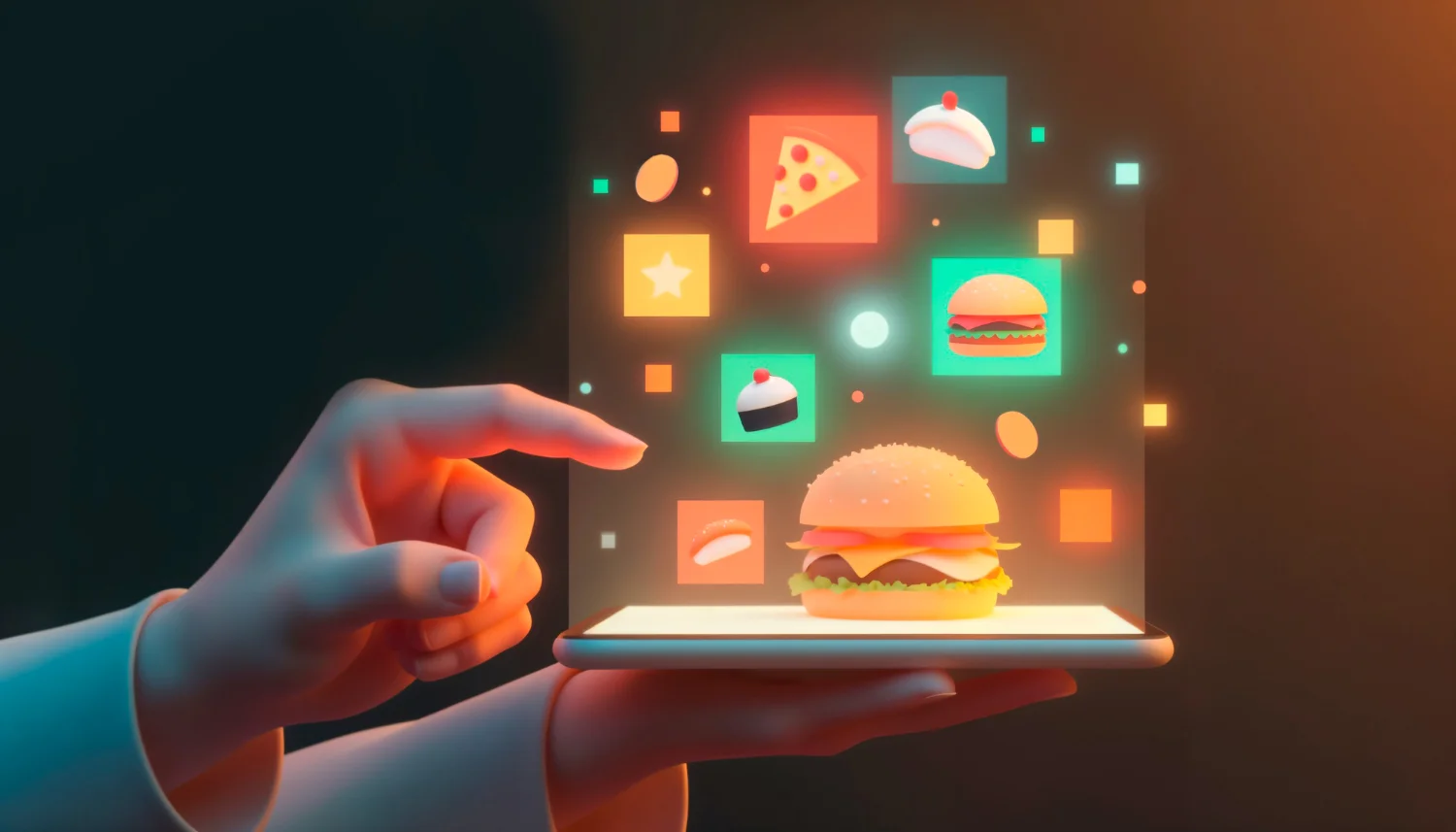
Menu ordering
Restaurants, menus, add-ons, variants, offers, and cart.
Delivery dispatch
Assign delivery partners and track live order movement.
Live tracking
Customer, restaurant, and admin status visibility.
Commission tools
Restaurant commissions, delivery fees, payouts, and reports.
A complete platform for food ordering operations
The Food Delivery Platform connects customers, restaurants, delivery teams, and administrators so every order can move from menu selection to doorstep delivery with clear visibility.
- ✓Restaurant listings, menu management, and availability controls
- ✓Customer ordering, cart, checkout, coupons, and scheduled orders
- ✓Delivery assignment, live status, driver app, and route tracking
- ✓Commission, payout, payment, and performance reports
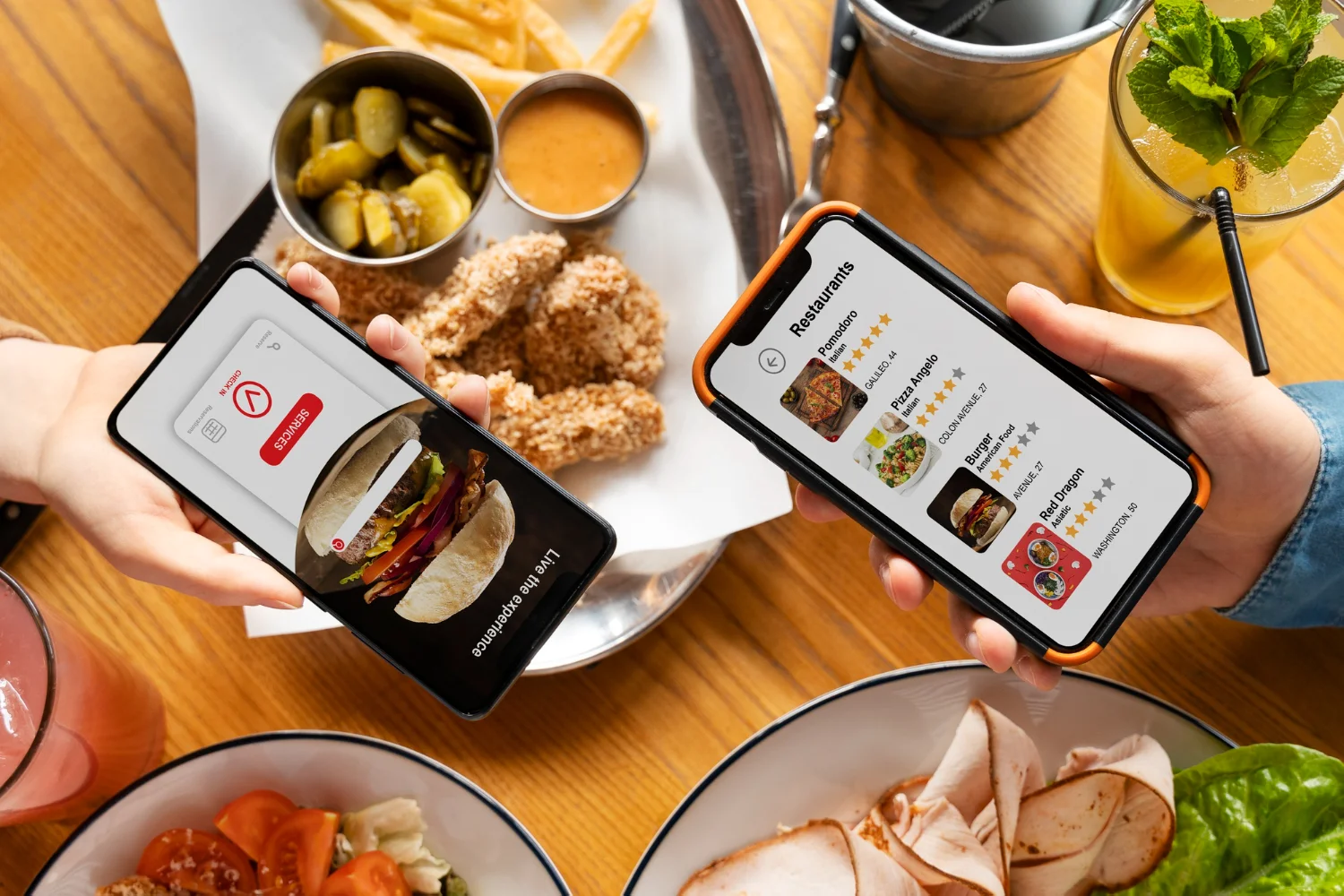
Looking for an Uber Eats–Style Food Delivery Platform?
If you are evaluating software with an operating model similar to Uber Eats, where one marketplace connects customers, restaurants and delivery partners, the RuteAppz Food Delivery Platform is built around that model. Buyers often describe it as an Uber Eats clone or an Uber Eats-like app; the product itself is RuteAppz's own customizable platform, with its own design, and is not affiliated with or endorsed by Uber Eats. It is designed to cover the following, with the exact scope confirmed during discovery.
- ✓Customer ordering with restaurant discovery, cart, checkout and order history
- ✓Restaurant onboarding, restaurant dashboards and menu management
- ✓Delivery-partner workflows and delivery assignment
- ✓Live order tracking for customers, restaurants and admins
- ✓Offers, coupons, commissions, payments and payouts
- ✓Admin operations and reporting
Specifications
What Is Included in the Food Delivery Platform
A buyer checklist of the platform's main components. Confirm scope, branding and any additions during discovery; not every option is included by default.
Apps and panels
- Customer App
- Restaurant search, cart, payment and order tracking.
- Restaurant Panel
- Accept orders, update preparation status and control menu availability.
- Delivery Partner App
- Assignment, navigation, delivery proof and earnings.
- Admin Panel
- Restaurants, users, zones, commissions, payouts and reports.
Orders and delivery
- Orders
- Order lifecycle from placement to delivery, with status for each role.
- Menus
- Items, variants, add-ons, pricing, images, categories and availability.
- Delivery assignment
- Assign delivery partners and follow pickup and drop-off.
- Live tracking
- Order and delivery status visibility for customers, restaurants and admins.
Money, messaging and data
- Payments
- Checkout through your payment gateway, with refunds and settlements.
- Commissions and payouts
- Restaurant commissions, delivery fees and payout reports.
- Notifications
- Push and SMS updates for order lifecycle events.
- Reporting
- Sales, commission, delivery and payout reports.
- APIs and integrations
- REST APIs plus maps, payment, notification and analytics connections.
The food delivery operation problems this solves
Growing digital products need connected workflows, not disconnected tools.
The challenge
- ✕Restaurants miss orders when systems are scattered
- ✕Customers call support because live order status is unclear
- ✕Delivery assignment becomes manual during rush hours
- ✕Commissions, payouts, refunds, and reports take too much admin time
One workflow for customers, restaurants, drivers, and admins
Orders flow from customer app to restaurant dashboard to delivery assignment, with each stakeholder seeing the right status and action at the right time.
Features
Food Delivery Platform features
Core capabilities included in the Food Delivery product build.
Restaurant onboarding
Profiles, cuisine, timings, service zones, commissions, and approval flow.
Menu management
Items, variants, add-ons, availability, pricing, images, and categories.
Order checkout
Cart, coupon, tax, delivery fee, address, and payment flows.
Restaurant dashboard
Accept orders, update preparation status, and manage menu availability.
Delivery partner app
Order pickup, navigation, delivery proof, and earnings.
Admin analytics
Orders, revenue, restaurants, customers, delivery performance, and payouts.
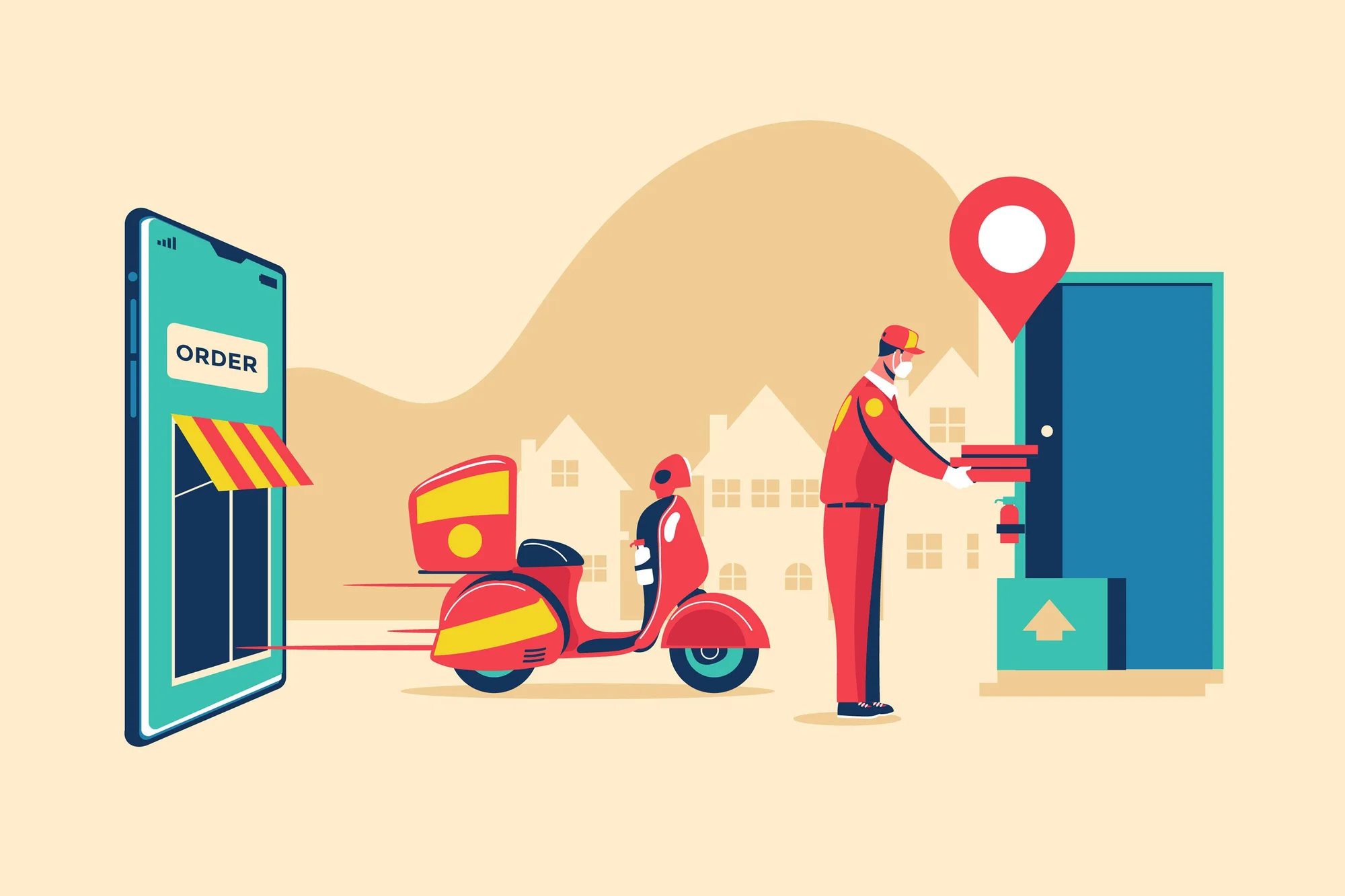
Food Delivery user experience
The Food Delivery Platform connects customers, restaurants, delivery teams, and administrators so every order can move from menu selection to doorstep delivery with clear visibility.
- ✓Restaurant listings, menu management, and availability controls
- ✓Customer ordering, cart, checkout, coupons, and scheduled orders
- ✓Delivery assignment, live status, driver app, and route tracking
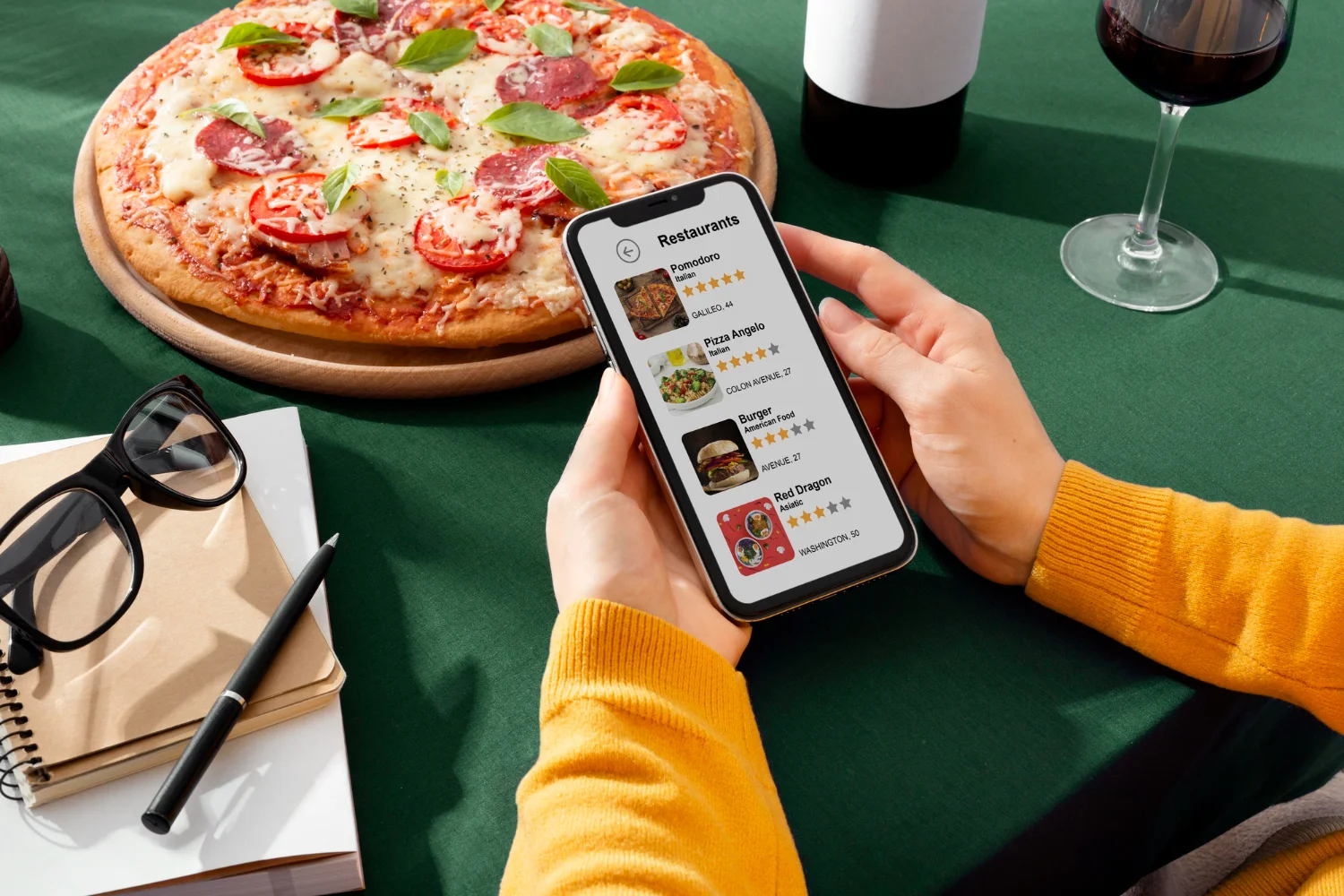
Food Delivery admin operations
Orders flow from customer app to restaurant dashboard to delivery assignment, with each stakeholder seeing the right status and action at the right time.
- ✓Controls for Restaurants miss orders when systems are scattered
- ✓Controls for Customers call support because live order status is unclear
- ✓Controls for Delivery assignment becomes manual during rush hours
Modules
Food Delivery platform modules
Use the modules you need now and extend the platform as operations grow.
Customer App
Food discovery and ordering.
- •Restaurant search
- •Cart and payment
- •Order tracking
Restaurant Panel
Order and menu operations.
- •Accept orders
- •Menu controls
- •Preparation status
Delivery App
Driver workflows.
- •Assignment
- •Navigation
- •Earnings
Admin Panel
Platform control.
- •Commissions
- •Payouts
- •Reports
Who it's for
Built for every food delivery stakeholder
Each role gets the tools and visibility they need.
Order food, pay, and track delivery.
- ✓Offers
- ✓Live status
- ✓Saved addresses
How it works
Food Delivery workflow
A clear operational path from setup to reporting.
- 1
Step 1
Customer orders
Customer selects restaurant, menu items, address, offers, and payment method.
- 2
Step 2
Restaurant accepts
Restaurant confirms the order and updates preparation status.
- 3
Step 3
Delivery assigned
Delivery partner receives pickup and route details.
- 4
Step 4
Order delivered
Customer tracks progress and receives delivery confirmation.
- 5
Step 5
Reports updated
Sales, commissions, delivery fees, and payouts are updated.
Integrations
Food Delivery integrations
Connect the product with the tools your business already uses.
Address search, zones, delivery distance, and live tracking.
Cards, wallets, UPI, COD, refunds, and settlements.
Order confirmations, status updates, and delivery alerts.
Restaurant, order, customer, and campaign performance tracking.
Technology
Food Delivery technology foundation
A scalable, API-led architecture for web, mobile, admin, and integrations.
Location-aware backend
Zone, distance, assignment, and live tracking workflows.
Status notifications
Push and SMS updates for order lifecycle events.
Role-based panels
Customer, restaurant, delivery, and admin experiences.
Operational reporting
Sales, commissions, delivery, and payout reports.
Benefits
Why choose this food delivery product
Built for practical launch, daily operations, and long-term customization.
Smooth ordering
Quick UXFast restaurant discovery and checkout.
Delivery visibility
Real-timeLive status reduces support calls.
Commission control
Revenue-readyFlexible fees and payout reports.
Scalable admin
ControlledRestaurants, drivers, customers, and zones stay manageable.
Features
Customize the Food Delivery Platform for Your Business
The platform is a base you can shape around your market. Customization scope is agreed per project; not every option is included by default.
Branding
Your name, logo, colours and app presentation.
Workflows
Order, preparation and delivery steps adapted to how you operate.
Restaurant Rules
Onboarding, approval, timings and availability rules.
Service Zones
Delivery areas and zone-based rules for your city or region.
Commissions
Commission structures, delivery fees and payout logic.
Payment Methods
The payment providers and methods your customers expect.
Delivery Logic
How delivery partners are assigned and how orders are dispatched.
Integrations
Connection to maps, notifications, analytics and your other systems.
Reporting
Reports and dashboards shaped around the metrics you track.
Mobile and Web Experiences
Customer, restaurant, delivery and admin experiences across web and mobile.
Use cases
Need Custom Mobile Apps Around Your Platform?
If you want a bespoke customer or delivery-partner app, or help extending the mobile experience, our mobile development services can build it.
Getting started
Food Delivery implementation plan
A practical rollout path from discovery to product launch. Timing varies by scope, integrations, customization and release requirements.
- 1
Step 1
Discovery and scope
Define user roles, workflows, modules, integrations, and launch priorities.
- 2
Step 2
UX and architecture
Plan screens, admin flows, data model, APIs, and permission structure.
- 3
Step 3
Build and configure · Sprint-based
Develop frontend, admin, APIs, integrations, and product-specific modules.
- 4
Step 4
QA and launch · Final sprint
Test workflows, performance, security, analytics, deployment, and handover.
FAQ
Food Delivery product FAQs
Planning a Food Delivery Platform?
Share your goals, modules, audience, and launch timeline. We will map the best product path.